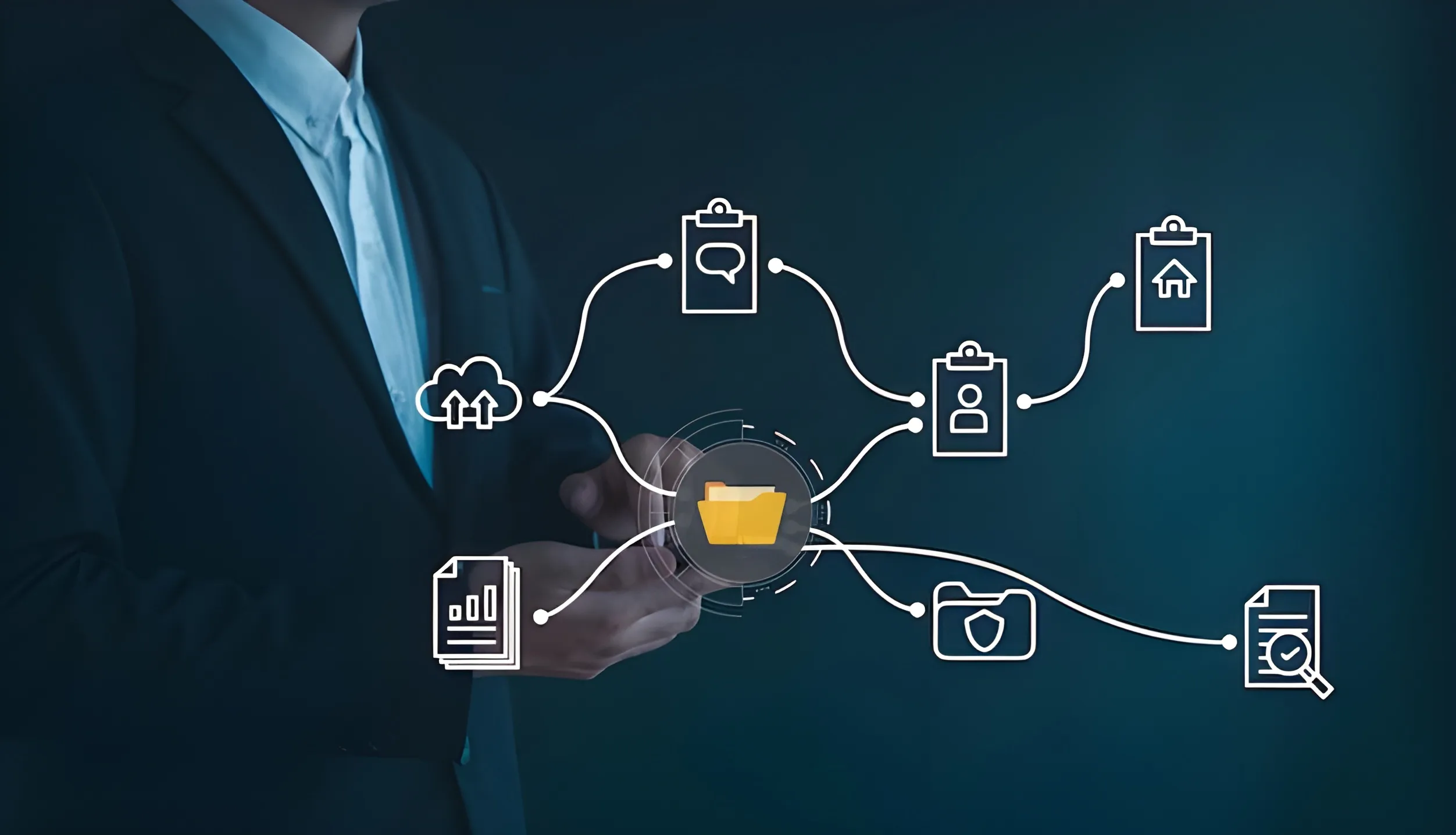
Every business has repetitive tasks. Documents need to be captured, approvals need to be requested, information needs to be entered into systems, reminders need to be sent and completed records need to be stored.
When these tasks are handled manually, they consume time and create unnecessary delays.
Business Process Automation, also known as BPA, uses technology to automate repetitive business processes so work can move faster, more accurately and with better visibility.
For growing businesses, BPA can reduce admin pressure, improve turnaround times and help teams focus on higher-value work.
What Is Business Process Automation?
Business Process Automation is the use of software to automate repeatable tasks, workflows and decision steps within a business process.
This may include:
- Capturing documents
- Extracting data
- Routing tasks for approval
- Sending reminders
- Updating records
- Requesting digital signatures
- Moving documents into storage
- Creating audit trails
- Triggering next steps between systems
Instead of relying on manual follow-ups, email chains and spreadsheets, BPA creates a structured digital process that runs according to predefined rules.
Why Businesses Need BPA
Manual processes often seem manageable at first. But as a business grows, small inefficiencies become major bottlenecks.
Common signs that a business needs automation include:
- Staff spend too much time on repetitive admin
- Approvals are delayed
- Documents get lost in email chains
- Data is entered manually into multiple systems
- Managers have limited visibility over process status
- Errors occur because of retyping
- Customers wait too long for responses
- Compliance records are difficult to track
Business process automation helps reduce these problems by creating repeatable, trackable and more efficient workflows.
Examples of Business Process Automation
Invoice Processing Automation
Invoices can be captured, indexed, routed for approval, checked against purchase orders and stored digitally.
HR Onboarding Automation
Offer letters, contracts, NDAs and policy documents can be generated, sent for signature and stored in employee files.
Contract Approval Automation
Contracts can move through review, approval, digital signing and secure storage without manual chasing.
Customer Application Processing
Application forms and supporting documents can be captured, validated and routed to the correct team.
Supplier Onboarding
Supplier forms, compliance documents, banking details and agreements can be collected and approved through a structured workflow.
Claims Processing
Claims documents can be captured, classified, reviewed and routed for approval or exception handling.
How BPA Works
A typical automated process may include these steps:
- A document or form enters the system.
- The system captures or extracts key information.
- The document is classified and indexed.
- A workflow is triggered.
- The document is routed to the correct user or department.
- Notifications or reminders are sent automatically.
- Required approvals or signatures are completed.
- The final document is stored in the correct location.
- Reports or audit trails are created.
This allows the process to move forward without constant manual intervention.
BPA vs Workflow Automation
The terms business process automation and workflow automation are often used together.
Workflow automation usually refers to automating the movement of tasks, documents or approvals from one step to another.
Business process automation is broader. It may include workflow automation, data capture, document management, integrations, reporting and system updates.
In simple terms, workflow automation is often one part of a wider BPA strategy.
Benefits of Business Process Automation
Reduced Manual Work
BPA removes repetitive tasks such as retyping data, sending reminders and manually routing documents.
Faster Turnaround Times
Documents and tasks move automatically to the next step, reducing delays.
Fewer Errors
Automated capture and validation reduce mistakes caused by manual entry.
Better Visibility
Teams can track where each document, request or approval is in the process.
Improved Compliance
Structured workflows create clearer records, approval histories and audit trails.
Better Customer and Employee Experience
Faster processes create smoother experiences for customers, suppliers and staff.
Easier Scaling
Automation allows businesses to handle more work without simply adding more admin.
What Processes Should You Automate First?
The best processes to automate are usually repetitive, document-heavy and time-sensitive.
Good starting points include:
- Invoice approvals
- HR onboarding
- Customer applications
- Supplier onboarding
- Contract approvals
- Claims processing
- Compliance checks
- Purchase requests
- Internal service requests
Start with a process that creates delays, involves multiple people and has measurable business impact.
BPA and Digital Forms
Digital forms are often used as the starting point for automation.
Instead of printing or emailing forms, users complete structured online forms. Once submitted, the form can trigger a workflow automatically.
Digital forms can help with:
- Employee onboarding
- Customer applications
- Supplier registration
- Finance requests
- Leave requests
- Compliance submissions
- Service requests
This improves data quality from the start.
BPA and E-Signatures
Many business processes cannot be completed until a document is signed.
By adding digital signatures to automated workflows, businesses can reduce printing, scanning, couriering and manual follow-ups.
For example, an HR workflow can generate an offer letter, send it to a candidate for digital signature, notify HR once signed and store the completed document in the employee file.
BPA and System Integration
Automation works best when systems can share information.
BPA can connect with:
- ERP systems
- Finance systems
- HR systems
- CRM platforms
- Document management systems
- Email platforms
- Shared folders
- Custom business applications
Integration reduces duplicate data entry and helps create smoother end-to-end processes.
Which DAS Products Support BPA?
Tungsten Automation
Useful for intelligent document processing, data extraction, validation, workflow orchestration and complex process automation.
Square 9
Useful for digital forms, document management, content workflows and approval automation.
Cygnature
Useful for digital signing, bulk signing and secure document completion.
Plustek
Useful for scanning and capturing paper documents, IDs, passports and barcoded forms into automated workflows.
How to Get Started with Business Process Automation
A successful BPA project should begin with process understanding.
Key steps include:
- Identify the manual process causing the most pain.
- Map the current steps and bottlenecks.
- Define what should be automated.
- Decide which systems need to connect.
- Configure workflows, forms and approvals.
- Test with real users.
- Train the team.
- Improve the process over time.
Automation should simplify work, not make it harder.
Final Thoughts
Business process automation helps organisations reduce repetitive work, speed up approvals, improve accuracy and gain better control over document-driven processes.
Whether your business wants to automate invoices, HR documents, contracts, applications or compliance workflows, BPA can deliver practical and measurable improvements.
For many organisations, BPA is not just a technology upgrade. It is a smarter way of working.
Want to Automate Repetitive Business Processes?
Document Automation Solutions (DAS) can help you identify automation opportunities and implement the right workflow, document capture and digital signing solutions.